
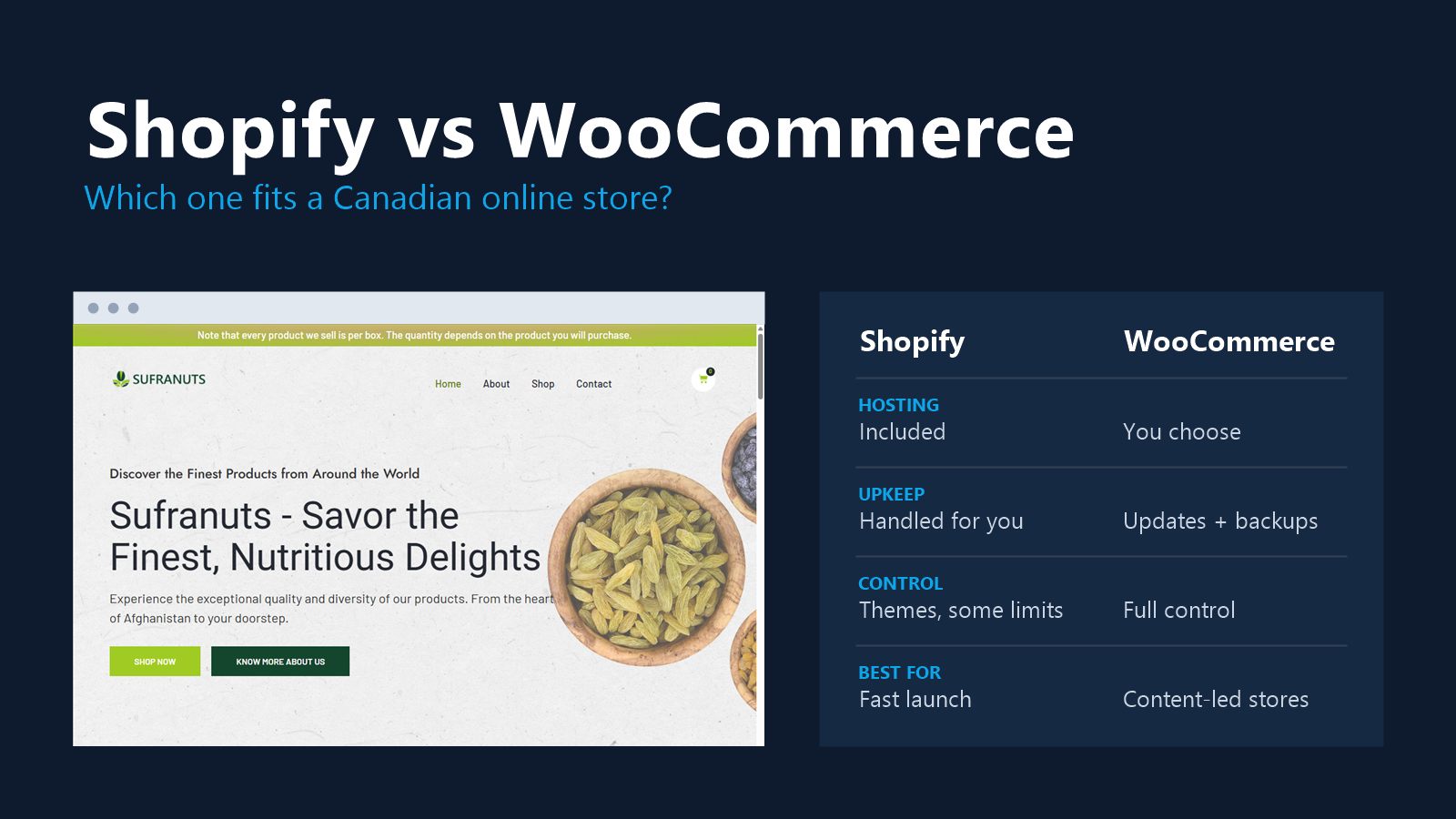
Choose Shopify if you want to sell quickly and let the platform handle hosting, security and checkout. Choose WooCommerce if you already run WordPress, want full control over your store, or expect transaction and app fees to add up as you grow. Both handle GST/HST, Canadian payment processing and shipping across Canada.
We build stores on both. Here is how we decide which to recommend.
The short comparison
| Shopify | WooCommerce | |
|---|---|---|
| What it is | Hosted ecommerce platform | Free plugin that turns WordPress into a store |
| Hosting and security | Included and handled by Shopify | Your hosting company, your updates |
| Monthly cost | Shopify plan plus paid apps | Hosting plus paid extensions |
| Transaction fees | Lower when you use Shopify Payments | Only your payment processor's fees |
| Ease of use | Very easy for daily store tasks | Easy once set up, more settings |
| Design freedom | Themes, with limits | Anything WordPress can do |
| Content and blogging | Basic | Strong; WordPress is built for it |
| Who owns it | You own your data; the store runs on Shopify | You own the whole site |
| Canadian roots | Founded in Ottawa | Open source, used worldwide |
When Shopify is the better choice
- You want to launch fast and not think about servers, updates or security patches.
- Your team will run the store day to day and needs a simple admin.
- You sell on several channels (in person, social media, marketplaces) and want them in one place.
- You are comfortable paying a monthly plan plus apps in return for less upkeep.
If that sounds like you, see how we approach Shopify website design.
When WooCommerce is the better choice
- Your website already runs on WordPress.
- Content matters to your sales: guides, recipes, how-tos, a blog that brings in search traffic.
- You need custom rules: wholesale pricing, unusual product options, membership or booking.
- You want to avoid platform transaction fees and keep monthly costs tied to hosting.
The trade-off is maintenance. WooCommerce stores need plugin updates, backups and security checks. That work is real, and it is what our maintenance plans cover.
Shopify vs WordPress: is it the same question?
Mostly, yes. WordPress on its own is a website platform, not a store. When people compare Shopify with WordPress for selling online, they are really comparing Shopify with WordPress plus WooCommerce. If you only need a few products or a "buy now" button on an otherwise normal website, a simpler option such as a payment link may be enough, and our WordPress website design page covers what a standard WordPress build includes.
Canadian specifics
Sales tax. Both platforms can charge GST, HST, PST and QST by province. The setup needs care: rates differ by province, and some products are taxed differently. Check it with your accountant before launch.
Payments. Both support Canadian payment processors, including Stripe, PayPal and Square. Shopify also has its own Shopify Payments.
Shipping. Both connect to Canada Post and other carriers for live rates and labels.
Currency and language. Both can sell in Canadian dollars and run in French and English. If you sell in Quebec, plan the French version from the start.
What it costs to have a store built
The platform is only part of the cost. Our ecommerce packages are the same price on either platform: Startup Ecommerce is $899 for up to 75 products, and Pro Ecommerce is $1,699 for unlimited products with inventory and abandoned cart emails, both one-time plus HST. Shopify plans, hosting and paid apps or extensions are billed by those providers. See all packages.
SEO
Both can rank well. Shopify fixes some URL patterns (for example /products/ and /collections/) that you cannot change. WooCommerce gives full control over URLs, schema and content. If organic search is your main sales channel and you will publish a lot of content, WooCommerce has the edge. If you run Shopify, our Shopify SEO checklist covers what to fix first.
Switching later
You can move either way. Products, customers and orders can be exported and imported, but the design is rebuilt and every old URL needs a redirect. We cover the steps in moving from Shopify to WooCommerce.
Shopify or WooCommerce: our recommendation
- New store, small team, wants simplicity: Shopify.
- Existing WordPress site, content-led, or custom rules: WooCommerce.
- Not sure: write down who will run the store every day and what they are comfortable doing. That usually decides it.
Still choosing a website platform in general? Read Wix vs WordPress. Want help choosing? Ask us. We build on both, so we will recommend the one that fits.


